


TL;DR
If your Chevy is equipped with remote start and has eligible connected services, you can start it from your phone using the myChevrolet app. OnStar Basics is included for eight years with qualifying new retail purchases of 2025 and newer Chevrolets, but available remote commands depend on the vehicle's equipment. Add your VIN in the app to see which controls your Chevy supports.
The first real cold front always catches somebody off guard: a fogged windshield, a cold steering wheel and the drive down I-635 still ahead. If your Chevy has remote start, you can get the cabin warming from your kitchen.
Plenty of owners have the feature and never set it up. Here's how to check yours and get it working.
What Can the myChevrolet App Do for You?
The myChevrolet app puts your Chevy on your phone. Controls vary with your vehicle and service plan, but on a properly equipped vehicle Chevrolet lists:
- Remote start. Tap Start (or Climate on some models), and tap again to cancel.
- Door locks. Lock or unlock the doors remotely.
- Vehicle status. Fuel level, oil life, tire pressure and real-time diagnostics.
- Service. Set a preferred dealer, check for recalls and book appointments.
Does Your Chevy Support App Remote Start?
Two things decide it: how your Chevy was equipped and which OnStar services it has. OnStar says 2025 and newer model year vehicles automatically receive core OnStar features for 8 years, included with a new retail purchase in the U.S. GM calls the package OnStar Basics, and it includes app remote start, door locks, on-demand diagnostics and status alerts on equipped vehicles.
Own a 2024 or older Chevy? Don't assume it won't work. OnStar says some services on older vehicles require a paid plan, and what's available depends on the vehicle's equipment. Add your VIN in the app and see which controls appear.
How Do You Set Up the myChevrolet App?
- Download myChevrolet from the App Store or Google Play.
- Sign in or create your account with the same email address you gave your dealer at purchase. Chevrolet says that's how the vehicle syncs to your account.
- Add your vehicle. Tap the Account icon (your initials), choose Add Product, then Add Vehicle and enter your VIN from your registration or insurance card.
- Look for the Start and Lock controls, then test them. Try them while you're near the vehicle. If a command doesn't work, check your connected-services status or contact OnStar.
- Call OnStar at (877) 558-8352 if the VIN won't add. Chevrolet says this happens when the vehicle isn't activated or is linked to another account.
How Should You Use Remote Start on Cold DFW Mornings?
Remote start works best as a short warm-up: take the chill off, clear the glass, then drive.
- Start it a few minutes before you leave. Your owner's manual explains how long remote start runs.
- Set the temperature from the app. On some models, the Climate control adjusts cabin temperature before you get in.
- Only start it outdoors. Never remote start in a closed garage.
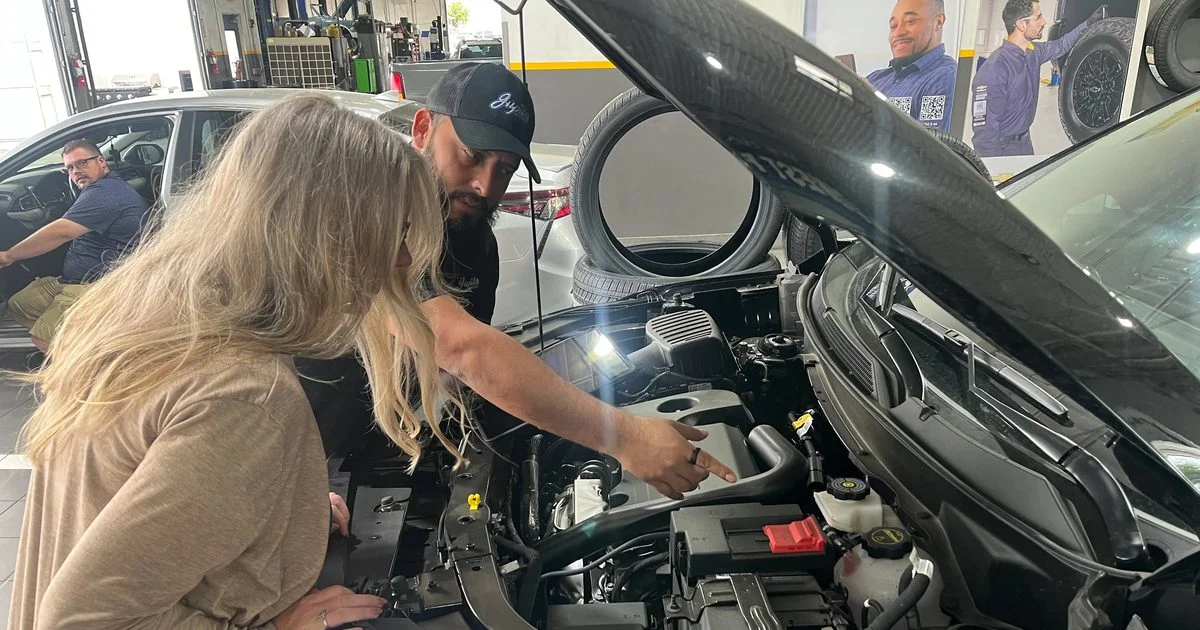
- Notice a slow start. The first cold snap is when a tired battery shows up. Every Multi-Point Vehicle Inspection at Jupiter includes a battery health test.
What If the App Won't Connect?
OnStar says Basics is activated during OnStar enrollment at your dealership, where you agree to the OnStar terms. For how delivery works at our Garland store, see what to expect during the car buying process at Jupiter Chevrolet.
There are two different problems here, and they have different fixes:
- Your Chevy won't show up in the app. Start by checking your account and vehicle activation. Chevrolet says this usually happens when the vehicle isn't activated or is linked to another account. Sign in with the email you gave your dealer at purchase and add the vehicle by VIN. If it still won't add, OnStar Advisors at (877) 558-8352 handle activation and account issues.
- Your Chevy shows up, but remote start doesn't work. Check the connected-services plan, vehicle conditions and signal availability. GM says its connected services need an active service plan, a working electrical system, cell reception and a GPS signal, so a weak battery or a parking spot with no cell signal can stop a command. Your owner's manual also lists conditions that keep remote start from running.
How Does Jupiter Chevrolet Help You Set Up the App?
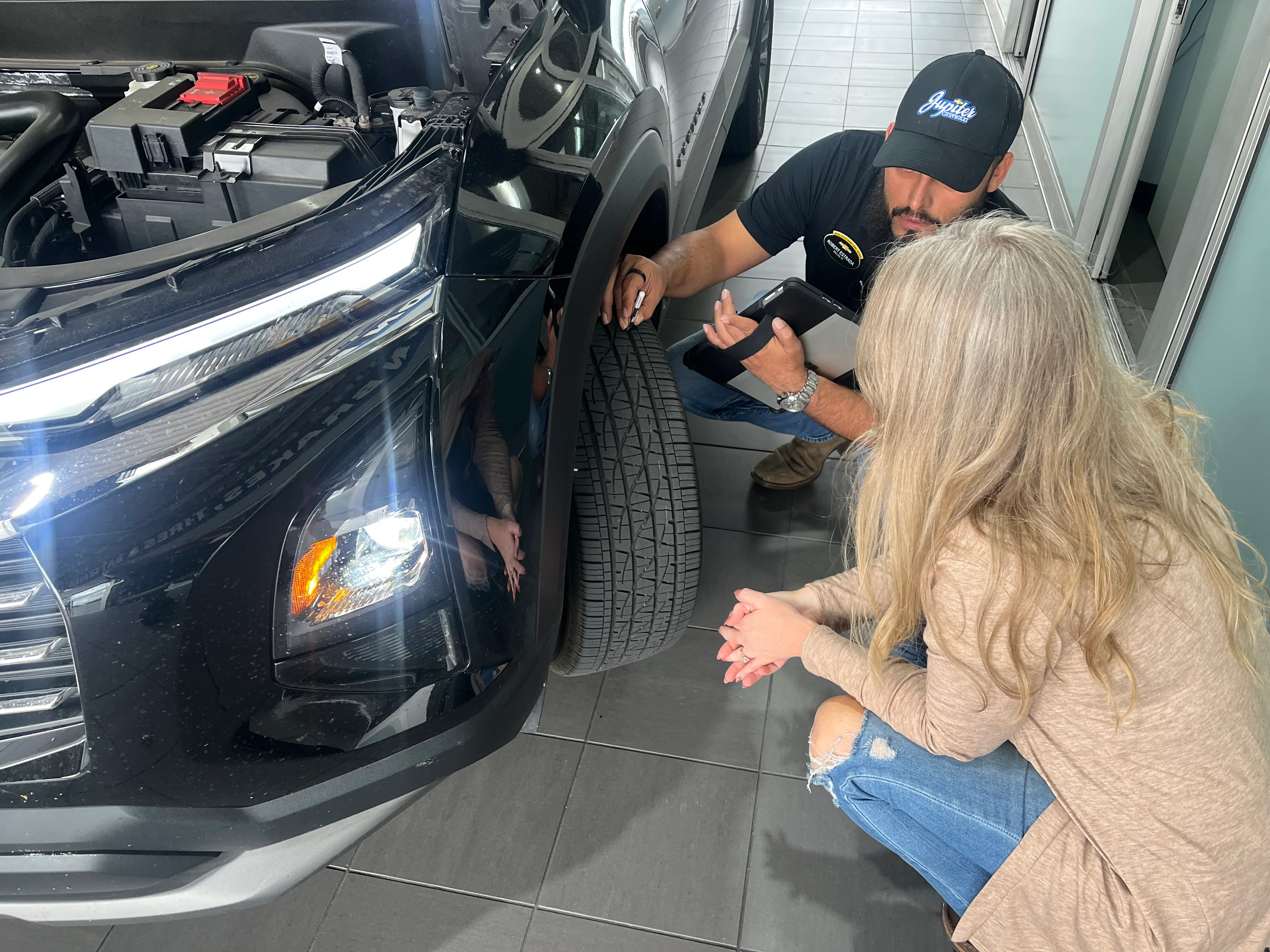
At Jupiter Chevrolet in Garland, you don't have to figure out the technology on your own. Every customer gets the myChevrolet app and OnStar set up at delivery, before they leave the lot. Your sales rep presses the blue OnStar button with you, walks you through the welcome call and helps you set your PIN and Wi-Fi password. They also cover the safety features, including roadside assistance and SOS emergency calls.
In the myChevrolet app, your rep shows you remote access, vehicle diagnostics, recall alerts, fuel level, tire pressure and maintenance reminders. They'll also explain how My Rewards points work, so you can use them on future service visits and on accessories when you buy. If there are other Chevys in your household, we'll help you set those up too, so everyone in the family has the same safety features.
And the help doesn't end at delivery, or at our lot. Any Chevrolet owner is welcome to stop in, whether you bought from Jupiter or somewhere else. Our sales or service advising team will go through your OnStar features, infotainment system and myChevrolet app with you, so you know everything your vehicle can do.
Once it's working, set Jupiter Chevrolet as your preferred dealer so booking service takes a couple of taps.
Add your VIN this week and try remote start on a mild morning, so it's ready when the cold front shows up.
If the first cold morning also brings slow cranking or a battery concern, Jupiter Chevrolet's service team can check the battery as part of its Multi-Point Vehicle Inspection.
Schedule Service at Jupiter Chevrolet in Garland, or call 972-464-1093.
Frequently Asked Questions
Is remote start free in the myChevrolet app?
On 2025 and newer Chevrolets bought new at retail, OnStar Basics includes app remote commands for eight years on vehicles equipped with remote start. On 2024 and older Chevys, OnStar says some services require a paid plan. The quickest way to check is to add your VIN in the myChevrolet app and see which controls appear.
What is OnStar Basics?
OnStar Basics is the set of core OnStar features included for eight years with qualifying new retail purchases of 2025 and newer GM vehicles in the U.S. OnStar lists Automatic Crash Response, remote commands like remote start, navigation and audio streaming apps. What your Chevy gets depends on its equipment.
Can I use the myChevrolet app to remote start an older Chevy?
It depends on how your Chevy was built and which OnStar plan it has. App remote start needs a properly equipped vehicle and a plan that supports it. The quickest check is adding your VIN in the myChevrolet app. If the controls don't appear, an OnStar Advisor at (877) 558-8352 can tell you what your vehicle and plan support.
Who can help me get the myChevrolet app working on my Chevy?
Start in the app: sign in with the email you used when you bought the vehicle and add it by VIN. If it won't connect, OnStar Advisors at (877) 558-8352 handle activation and account problems. Once it's set up, choose Jupiter Chevrolet in Garland as your preferred dealer to book service from the app.
Can someone at a Chevy dealer near Garland help me set up the myChevrolet app?
Yes. Jupiter Chevrolet in Garland helps any Chevrolet owner set up the myChevrolet app and OnStar, whether you bought from Jupiter or somewhere else. Stop in and our sales or service advising team will go through your OnStar features, infotainment system and myChevrolet app with you. If you buy from Jupiter, your sales rep sets all of this up with you at delivery.
Why won't my Chevy show up in the myChevrolet app?
Usually the vehicle isn't activated or is linked to a different account. Sign in with the email you gave your dealer at purchase, then add the vehicle by VIN. If it still won't add, call an OnStar Advisor at (877) 558-8352.
My Chevy shows up in the app, but remote start won't work. Why?
If the vehicle is in your account, the issue may involve the connected service, vehicle conditions or signal availability. GM says connected services need an active service plan, a working electrical system, cell reception and a GPS signal. Check your plan status in the app and your owner's manual for conditions that block remote start. If it still fails, contact OnStar, and if you suspect a weak battery, Jupiter Chevrolet in Garland tests the battery during every Multi-Point Vehicle Inspection.
Connected features, plan terms and eligibility are set by GM and OnStar. They vary by model, model year and equipment and can change. Check the myChevrolet app and your owner's manual for your specific vehicle.
About the Author
Eric Fussell is the General Manager of Jupiter Chevrolet in Garland, Texas. He works with Jupiter's sales, service, parts, and collision teams to help customers understand their vehicles, their ownership options, and the programs that come with buying and owning a Chevrolet in North Texas.
Methodology
This guide uses Chevrolet, General Motors and OnStar information on the myChevrolet app, OnStar Basics, remote commands and enrollment, current as of November 2026. Connected features vary by vehicle, equipment, model year and service plan, so check the myChevrolet app for your own vehicle. Jupiter's delivery and owner-setup details come from Eric Fussell, General Manager, in November 2026.
Sources & Further Reading
- OnStar Basics for 2025 and Newer Vehicles, OnStar — 8 years on 2025+ model years, new retail purchase, dealership enrollment.
- All 2025 Vehicles Now Come With OnStar Basics, OnStar — remote start, door locks and health status through the app.
- OnStar's Most Popular Features Are Now Standard in All 2025 GM Vehicles, GM (Feb. 2, 2024) — package name, eight-year retail term, included remote commands.
- Vehicle App, OnStar — some services require a paid service plan.
- Send Remote Commands, Chevrolet — remote start, cancel and climate controls; equipped vehicle and active plan.
- How to Use myChevrolet Mobile App, Chevrolet — setup steps, VIN, OnStar Advisor number.
- myChevrolet App, Chevrolet — diagnostics, tire pressure, fuel, oil life, service scheduling.
- Schedule Service, Jupiter Chevrolet — book a service visit in Garland.
Published: November 11, 2026 | Last updated: November 11, 2026