
Blog / Auto News

Chevrolet Introduces Updated 2026 Models With Enhanced Safety Features for Texas Drivers

TL;DR: The 2026 Chevrolet lineup comes standard with the Chevy Safety Assist suite, six technologies including automatic emergency braking and lane keep assist, on most trims at no extra cost. Built for Texas conditions like highway speeds, sudden rain, and heavy truck traffic, these systems give drivers in the Silverado, Tahoe, Equinox, and more added confidence behind the wheel.

Texas highways stretch long and wide, carrying everything from bustling city traffic in Dallas and Houston to open rural stretches and heavy commercial flows along major corridors. For drivers navigating these varied conditions, safety stands as a fundamental priority rather than an optional luxury. Chevrolet has responded with meaningful updates across its 2026 lineup, equipping models with enhanced safety technologies that deliver greater confidence on the road.

The automaker makes advanced protection more accessible by integrating key systems as standard equipment on most vehicles. This approach reflects a clear focus on helping Texas drivers handle everyday challenges with less worry and more assurance.

Chevy Safety Assist Sets a New Standard

Chevy Safety Assist now serves as the foundation for safety across the 2026 Chevrolet lineup. This standard suite includes six technologies that operate seamlessly in the background to support drivers and help prevent incidents before they develop.

The package features Automatic Emergency Braking, which works alongside Forward Collision Alert to detect potential front-end hazards and intervene if needed. Front Pedestrian and Bicyclist Braking adds critical awareness in areas with increased foot or bike traffic, such as school zones or urban neighborhoods. Lane Keep Assist with Lane Departure Warning provides gentle steering corrections to help maintain lane position, while the Following Distance Indicator monitors spacing to the vehicle ahead. Finally, IntelliBeam automatically adjusts high beams for optimal visibility without distracting other drivers.

These systems combine to create a vigilant support network that feels natural rather than intrusive, making them especially valuable during long hauls or in unpredictable Texas weather.

Why Enhanced Safety Features Resonate in Texas

Texas roads present distinct demands, from sudden rainstorms that reduce visibility on interstates to heavy truck traffic along major corridors and open rural routes where unexpected obstacles can appear. The 2026 Chevrolet models address these realities by making core safety technologies available from base trims onward, broadening access for a wide range of drivers.

The Silverado 1500, a longtime favorite for both work and recreation across the state, benefits significantly from the full Chevy Safety Assist suite. Higher trims build on this foundation with options like Super Cruise for compatible hands-free highway driving. Family-oriented SUVs such as the Tahoe and Traverse incorporate similar protections, aiding everything from highway merges to maneuvering in large parking areas. Even compact choices like the Trax and Equinox receive these upgrades, appealing to commuters seeking reliable modern safety without premium pricing.

Practical Advantages That Extend Beyond Alerts

Advanced safety systems deliver benefits that reach well past collision avoidance. Many drivers experience reduced mental fatigue on the road, leading to more relaxed and focused journeys. In a state where road trips form part of the cultural fabric, this added layer of support can transform routine drives into more enjoyable experiences.

Chevrolet has designed these features to remain user-friendly. Alerts provide clear information without constant interruptions, and customization options through the infotainment system allow drivers to fine-tune sensitivity to match personal preferences and typical driving patterns.

Overview of the Updated 2026 Lineup

The safety enhancements span nearly every segment Chevrolet offers. Pickup buyers will value how the Silverado pairs its renowned capability with modern protection technologies. SUV shoppers, particularly those considering the Tahoe or Suburban, gain family-focused refinements that emphasize rear-seat monitoring and improved low-speed handling.

Crossover models including the Equinox and Blazer maintain their competitive edge through style paired with the same standard safety foundation. The consistent message across the lineup is straightforward: meaningful protection should come as a standard expectation rather than an upcharge.

Additional Available Safety Technologies

  • HD Surround Vision for comprehensive low-speed visibility during parking or towing
  • Rear Cross Traffic Braking to assist when reversing from busy spots
  • Blind Zone Steering Assist for smoother and safer lane changes
  • Teen Driver Mode to help families promote safer habits among younger motorists

These optional systems complement the standard suite, offering flexibility for specific needs whether towing across West Texas, navigating Dallas rush hour, or managing daily family logistics.

Real-World Value for Texas Drivers and Businesses

Across Texas households, Chevrolet vehicles often fulfill multiple purposes: reliable daily transportation, spacious family hauling, and capable weekend adventure partners. The 2026 safety updates ease the driver's workload, allowing greater focus on the road itself. This proves particularly helpful for parents balancing busy schedules and for fleet operators seeking technologies that may contribute to fewer incidents over time.

While many buyers continue exploring the used car market for solid value in established models, new 2026 Chevrolets provide immediate access to the latest safety advancements. These systems continue to evolve, so selecting a current-year vehicle helps ensure drivers benefit from the most recent protections available.

Experience the 2026 Chevrolet Safety Features Firsthand

Schedule a test drive at Jupiter Chevrolet in Garland and see Chevy Safety Assist in action.

Schedule a Test Drive

Chevrolet's Commitment to Driver Confidence

With the 2026 updates, Chevrolet reinforces a practical philosophy: meaningful safety assistance belongs in every vehicle, not only flagship versions. By standardizing these driver aids, the brand supports Texas motorists in managing daily commutes, family outings, and longer journeys with increased peace of mind.

Whether drawn to the capable Silverado for demanding tasks, the roomy Tahoe for group travel, or the efficient Equinox for everyday use, these refinements provide concrete improvements that extend beyond technical specifications. Ultimately, the most effective way to appreciate these advancements is a hands-on test drive at your local Chevrolet dealer, where you can experience how the 2026 safety features perform under real Texas conditions.

Frequently Asked Questions

What safety features come standard on 2026 Chevrolet models?

The 2026 Chevrolet lineup includes the Chevy Safety Assist suite as standard equipment on most trims at no extra charge. This package covers six technologies: Automatic Emergency Braking, Forward Collision Alert, Front Pedestrian and Bicyclist Braking, Lane Keep Assist with Lane Departure Warning, Following Distance Indicator, and IntelliBeam automatic high beams. These systems work seamlessly in the background to support drivers without feeling intrusive.

Are the 2026 Chevrolet safety features suitable for Texas driving conditions?

Yes, the 2026 Chevrolet safety systems are engineered for the diverse scenarios Texas drivers face, including high-speed interstates, stop-and-go urban traffic in cities like Dallas and Houston, sudden rainstorms, heavy commercial corridors, and towing applications. Models like the Silverado 1500 also offer higher-trim options such as Super Cruise for hands-free highway driving on compatible roads. The broad availability across trims means drivers in both rural and urban Texas can access these protections.

Which 2026 Chevrolet models have enhanced safety features for families?

Family-focused SUVs like the Tahoe, Suburban, and Traverse all receive the standard Chevy Safety Assist suite, along with family-oriented refinements such as rear-seat monitoring and improved low-speed handling. Optional upgrades like Teen Driver Mode, HD Surround Vision, and Rear Cross Traffic Braking are also available to support everyday family logistics. Even more affordable options like the Trax and Equinox include these core safety upgrades, making modern protection accessible across a wide budget range.


About the Author

Eric Fussell is the General Manager of Jupiter Chevrolet in Garland, Texas. With years of experience in Chevrolet sales, Eric focuses on helping Texas drivers understand what's new across the Chevrolet lineup.

Sources & Further Reading

Specifications and available features can vary by trim and vehicle. Confirm current details with a Jupiter Chevrolet sales advisor.

Published: May 10, 2026 | Last updated: July 20, 2026
Posted in:

Related Posts

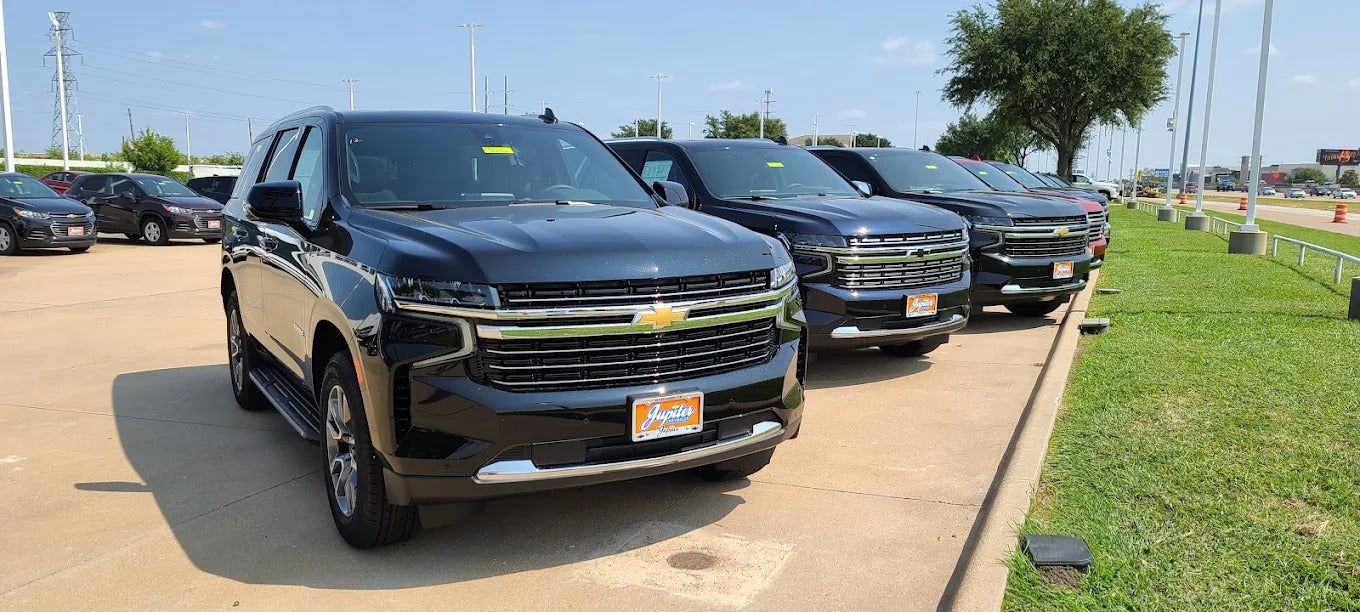
Row of new black Chevrolet full-size SUVs with Jupiter dealer plates on the Jupiter Chevrolet lot in Garland, TX

How Do I Remote Start My Chevy From My Phone Before the First Cold Front?

TL;DR If your Chevy is equipped with remote start and has eligible connected services, you can start it from your phone using the myChevrolet app. OnStar Basics is included for eight years with qualifying new retail purchases of 2025 and newer Chevrolets, but available remote commands depend on the vehicle's equipment. Add your VIN in the app to see which controls your Chevy supports. The first real cold front always catches somebody off guard: a fogged windshield, a cold steering wheel and the drive down I-635 still ahead. If your Chevy has remote start, you can get the cabin warming from your kitchen. Plenty of owners have the feature and never set it up. Here's how to check yours and get it working. What Can the myChevrolet App Do for You? The myChevrolet app puts your Chevy on your phone. Controls vary with your vehicle and service plan, but on a properly equipped vehicle Chevrolet lists: Remote start. Tap Start (or Climate on some models), and tap again to cancel. Door locks. Lock or unlock the doors remotely. Vehicle status. Fuel level, oil life, tire pressure and real-time diagnostics. Service. Set a preferred dealer, check for recalls and book appointments. Does Your Chevy Support App Remote Start? Two things decide it: how your Chevy was equipped and which OnStar services it has. OnStar says 2025 and newer model year vehicles automatically receive core OnStar features for 8 years, included with a new retail purchase in the U.S. GM calls the package OnStar Basics, and it includes app remote start, door locks, on-demand diagnostics and status alerts on equipped vehicles. Own a 2024 or older Chevy? Don't assume it won't work. OnStar says some services on older vehicles require a paid plan, and what's available depends on the vehicle's equipment. Add your VIN in the app and see which controls appear. How Do You Set Up the myChevrolet App? Download myChevrolet from the App Store or Google Play. Sign in or create your account with the same email address you gave your dealer at purchase. Chevrolet says that's how the vehicle syncs to your account. Add your vehicle. Tap the Account icon (your initials), choose Add Product, then Add Vehicle and enter your VIN from your registration or insurance card. Look for the Start and Lock controls, then test them. Try them while you're near the vehicle. If a command doesn't work, check your connected-services status or contact OnStar. Call OnStar at (877) 558-8352 if the VIN won't add. Chevrolet says this happens when the vehicle isn't activated or is linked to another account. How Should You Use Remote Start on Cold DFW Mornings? Remote start works best as a short warm-up: take the chill off, clear the glass, then drive. Start it a few minutes before you leave. Your owner's manual explains how long remote start runs. Set the temperature from the app. On some models, the Climate control adjusts cabin temperature before you get in. Only start it outdoors. Never remote start in a closed garage. Notice a slow start. The first cold snap is when a tired battery shows up. Every Multi-Point Vehicle Inspection at Jupiter includes a battery health test. What If the App Won't Connect? OnStar says Basics is activated during OnStar enrollment at your dealership, where you agree to the OnStar terms. For how delivery works at our Garland store, see what to expect during the car buying process at Jupiter Chevrolet. There are two different problems here, and they have different fixes: Your Chevy won't show up in the app. Start by checking your account and vehicle activation. Chevrolet says this usually happens when the vehicle isn't activated or is linked to another account. Sign in with the email you gave your dealer at purchase and add the vehicle by VIN. If it still won't add, OnStar Advisors at (877) 558-8352 handle activation and account issues. Your Chevy shows up, but remote start doesn't work. Check the connected-services plan, vehicle conditions and signal availability. GM says its connected services need an active service plan, a working electrical system, cell reception and a GPS signal, so a weak battery or a parking spot with no cell signal can stop a command. Your owner's manual also lists conditions that keep remote start from running. How Does Jupiter Chevrolet Help You Set Up the App? At Jupiter Chevrolet in Garland, you don't have to figure out the technology on your own. Every customer gets the myChevrolet app and OnStar set up at delivery, before they leave the lot. Your sales rep presses the blue OnStar button with you, walks you through the welcome call and helps you set your PIN and Wi-Fi password. They also cover the safety features, including roadside assistance and SOS emergency calls. In the myChevrolet app, your rep shows you remote access, vehicle diagnostics, recall alerts, fuel level, tire pressure and maintenance reminders. They'll also explain how My Rewards points work, so you can use them on future service visits and on accessories when you buy. If there are other Chevys in your household, we'll help you set those up too, so everyone in the family has the same safety features. And the help doesn't end at delivery, or at our lot. Any Chevrolet owner is welcome to stop in, whether you bought from Jupiter or somewhere else. Our sales or service advising team will go through your OnStar features, infotainment system and myChevrolet app with you, so you know everything your vehicle can do. Once it's working, set Jupiter Chevrolet as your preferred dealer so booking service takes a couple of taps. Add your VIN this week and try remote start on a mild morning, so it's ready when the cold front shows up. If the first cold morning also brings slow cranking or a battery concern, Jupiter Chevrolet's service team can check the battery as part of its Multi-Point Vehicle Inspection. Schedule Service at Jupiter Chevrolet in Garland, or call 972-464-1093. Frequently Asked Questions Is remote start free in the myChevrolet app? On 2025 and newer Chevrolets bought new at retail, OnStar Basics includes app remote commands for eight years on vehicles equipped with remote start. On 2024 and older Chevys, OnStar says some services require a paid plan. The quickest way to check is to add your VIN in the myChevrolet app and see which controls appear. What is OnStar Basics? OnStar Basics is the set of core OnStar features included for eight years with qualifying new retail purchases of 2025 and newer GM vehicles in the U.S. OnStar lists Automatic Crash Response, remote commands like remote start, navigation and audio streaming apps. What your Chevy gets depends on its equipment. Can I use the myChevrolet app to remote start an older Chevy? It depends on how your Chevy was built and which OnStar plan it has. App remote start needs a properly equipped vehicle and a plan that supports it. The quickest check is adding your VIN in the myChevrolet app. If the controls don't appear, an OnStar Advisor at (877) 558-8352 can tell you what your vehicle and plan support. Who can help me get the myChevrolet app working on my Chevy? Start in the app: sign in with the email you used when you bought the vehicle and add it by VIN. If it won't connect, OnStar Advisors at (877) 558-8352 handle activation and account problems. Once it's set up, choose Jupiter Chevrolet in Garland as your preferred dealer to book service from the app. Can someone at a Chevy dealer near Garland help me set up the myChevrolet app? Yes. Jupiter Chevrolet in Garland helps any Chevrolet owner set up the myChevrolet app and OnStar, whether you bought from Jupiter or somewhere else. Stop in and our sales or service advising team will go through your OnStar features, infotainment system and myChevrolet app with you. If you buy from Jupiter, your sales rep sets all of this up with you at delivery. Why won't my Chevy show up in the myChevrolet app? Usually the vehicle isn't activated or is linked to a different account. Sign in with the email you gave your dealer at purchase, then add the vehicle by VIN. If it still won't add, call an OnStar Advisor at (877) 558-8352. My Chevy shows up in the app, but remote start won't work. Why? If the vehicle is in your account, the issue may involve the connected service, vehicle conditions or signal availability. GM says connected services need an active service plan, a working electrical system, cell reception and a GPS signal. Check your plan status in the app and your owner's manual for conditions that block remote start. If it still fails, contact OnStar, and if you suspect a weak battery, Jupiter Chevrolet in Garland tests the battery during every Multi-Point Vehicle Inspection. Connected features, plan terms and eligibility are set by GM and OnStar. They vary by model, model year and equipment and can change. Check the myChevrolet app and your owner's manual for your specific vehicle. About the Author Eric Fussell is the General Manager of Jupiter Chevrolet in Garland, Texas. He works with Jupiter's sales, service, parts, and collision teams to help customers understand their vehicles, their ownership options, and the programs that come with buying and owning a Chevrolet in North Texas. Methodology This guide uses Chevrolet, General Motors and OnStar information on the myChevrolet app, OnStar Basics, remote commands and enrollment, current as of November 2026. Connected features vary by vehicle, equipment, model year and service plan, so check the myChevrolet app for your own vehicle. Jupiter's delivery and owner-setup details come from Eric Fussell, General Manager, in November 2026. Sources & Further Reading OnStar Basics for 2025 and Newer Vehicles, OnStar — 8 years on 2025+ model years, new retail purchase, dealership enrollment. All 2025 Vehicles Now Come With OnStar Basics, OnStar — remote start, door locks and health status through the app. OnStar's Most Popular Features Are Now Standard in All 2025 GM Vehicles, GM (Feb. 2, 2024) — package name, eight-year retail term, included remote commands. Vehicle App, OnStar — some services require a paid service plan. Send Remote Commands, Chevrolet — remote start, cancel and climate controls; equipped vehicle and active plan. How to Use myChevrolet Mobile App, Chevrolet — setup steps, VIN, OnStar Advisor number. myChevrolet App, Chevrolet — diagnostics, tire pressure, fuel, oil life, service scheduling. Schedule Service, Jupiter Chevrolet — book a service visit in Garland. Published: November 11, 2026 | Last updated: November 11, 2026

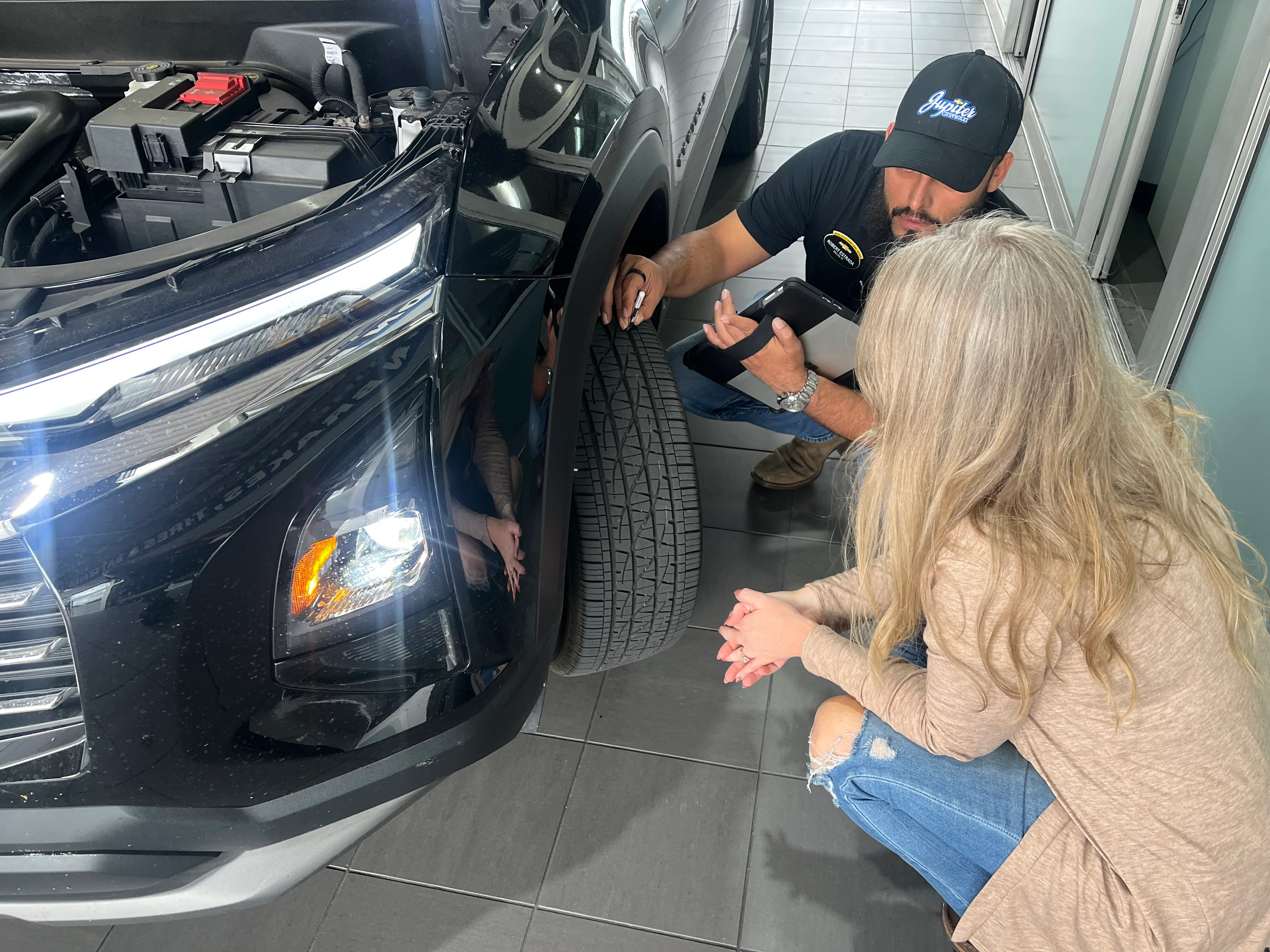
Jupiter Chevrolet service advisor checking tire tread on a black Chevy SUV in the Garland, TX service drive

Why Does My Tire Pressure Light Come On the First Cold Morning?

TL;DR Tires lose roughly 1 to 2 PSI for every 10 degrees F the temperature drops, so the first North Texas cold front can trip the light on a tire that was already running a little low. A solid light means at least one tire is low. A light that flashes, then stays on, means the monitoring system has a fault. Check all four tires cold against your door-jamb placard. Jupiter Chevrolet in Garland checks tires free with every service visit. A front blows through overnight, and by morning the yellow tire symbol is on before you leave the driveway. By lunch on I-635, it may be off again. Usually that's physics. Sometimes it's a nail or a failing sensor, so it's worth five minutes to find out. Why Does Cold Weather Set Off the Tire Pressure Light? As the temperature drops, the air inside the tire contracts and tire pressure falls. Tire makers' rule of thumb is roughly 1 to 2 PSI for every 10 degrees F. Tires set on a 95-degree afternoon can read several PSI lower when the first real front drops the morning low into the 50s. That drop alone doesn't mean you have a leak. It means a tire that was already a little low can cross the line overnight. The federal standard for tire pressure monitoring systems (FMVSS No. 138) requires the warning to come on no later than when a tire is 25% or more below the vehicle's recommended cold pressure. That's the minimum the system has to meet, not a number to aim for. The number that matters to you is the cold pressure on your driver's door-jamb placard. Solid vs Flashing: What Is Your Chevy's TPMS Light Telling You? How the light behaves at startup tells you which problem you have. What you see What it means Comes on and stays solid At least one tire is low Flashes for a while, then stays solid The TPMS has a fault and may not warn you about low pressure A flashing light means the monitor itself needs repair. Until it's fixed, check pressures by hand with a gauge. What Should You Do When the Tire Pressure Light Comes On? Check it cold. Use a gauge on all four tires before driving, or after the car has sat three hours. Use the number on your door, not the tire. The driver's door-jamb placard lists Chevrolet's recommended pressure. The sidewall number is the tire's maximum. Fill to the placard. Add air in short bursts, rechecking as you go. Recheck the next cold morning. If every tire holds and the light stays off, the front was the cause. When Is It Not Just the Weather? If the light returns after a fill, look further. A slow leak. One tire that keeps reading lower than the rest often has a nail or a leaking valve stem. A damaged tire or wheel. A pothole can cut a sidewall or bend a wheel enough to seep air. A sensor fault. A flashing light needs a diagnosis, not more air. What Does Jupiter's Free Tire Check Include? Every vehicle entering Jupiter Chevrolet's Garland service drive rolls over our drive-over tread reader, which measures the tread depth on each tire. The results show up right away on a big screen in the service lane: "As customers drive over the Hunter machine, they see their vehicle up on the big screen. Next to it is a live alignment check, passed or failed, along with the tread depth reading for all four tires and any open recalls. An advisor also goes over the results with them at check-in." Eric Fussell, General Manager, Jupiter Chevrolet It's part of the free recall, tire, and alignment check with every service visit, and tire rotation comes with every oil change. If a tire needs more than air, here's what's included in a tire service at Jupiter, and new tires come with our 30-Day Price Match on Select Tires. Light still on after a fill and a cold recheck? Bring it to Jupiter Chevrolet on I-635 in Garland. Schedule Service at Jupiter Chevrolet in Garland, or call 972-464-1093. Frequently Asked Questions Why is my tire pressure light on when it's cold? Cold air lowers tire pressure, roughly 1 to 2 PSI for every 10 degrees F. The first North Texas cold front can push a tire that was already a little low far enough to turn the light on. Check all four tires cold and fill them to your door-jamb placard. If the light comes back, Jupiter Chevrolet in Garland can check for a leak. How much does tire pressure drop in cold weather? Tire makers' rule of thumb is about 1 to 2 PSI for every 10 degrees F the temperature falls, so a 40-degree swing from a hot afternoon to a cold morning can take several PSI out of each tire. The actual change varies by tire, so check with a gauge and fill to the cold pressure on your door-jamb placard. Where do I find the right tire pressure for my Chevy? It's on the tire and loading information placard on the driver's door jamb and in your owner's manual. Use that number, not the maximum molded into the tire's sidewall, and set it cold. Jupiter Chevrolet includes a free tire check with every service visit. Will the tire pressure light go off on its own? Sometimes, but the tire is still low. As driving or afternoon sun warms the tires, the light can go off, then return the next cold morning. Fill all four to the door-jamb placard. If it keeps coming back, have Jupiter Chevrolet in Garland check for a slow leak or sensor problem. What does a flashing tire pressure light mean? A light that flashes at startup, then stays solid, means the tire pressure monitoring system has a fault and may not warn you if a tire goes low. Check pressures with a gauge until it's fixed. NHTSA advises a dealer inspection; Jupiter Chevrolet's Garland service team can diagnose it. Where can I get my tire pressure light checked near Garland, TX? Jupiter Chevrolet on I-635 in Garland includes a free recall, tire, and alignment check with every service visit. Every vehicle rolls over a drive-over tread reader that measures the tread on each tire, with results on a big screen in the service lane. Tire rotation comes with every oil change. Call 972-464-1093. Tire pressure specifications and warning-light behavior vary by model and model year. Always follow your owner's manual and the tire and loading information placard on your vehicle. Jupiter Advantage eligibility and coverage are governed by the written program terms. About the Author Eric Fussell is the General Manager of Jupiter Chevrolet in Garland, Texas. He works with Jupiter's sales, service, parts, and collision teams to help customers understand their vehicles, their ownership options, and the programs that come with buying and owning a Chevrolet in North Texas. Methodology This guide uses tire and TPMS guidance from the National Highway Traffic Safety Administration, the federal TPMS standard (FMVSS No. 138) and tire-maker guidance on temperature and inflation pressure, current as of October 2026. The 1-to-2-PSI-per-10-degree figure is a rule of thumb, not a measurement for every tire. Jupiter service details come from Jupiter Chevrolet General Manager Eric Fussell (June and October 2026). Sources & Further Reading Tires, National Highway Traffic Safety Administration — placard location, check tires cold, sidewall number is not the target, TPMS malfunction light and dealer inspection. 49 CFR 571.138, FMVSS No. 138 Tire Pressure Monitoring Systems, Cornell LII — 25% below recommended cold pressure warning threshold; malfunction light flashes then stays on. Tire Pressure Monitoring System (TPMS), Firestone Complete Auto Care — tires lose or gain 1 to 2 PSI per 10 degrees F. Tire Pressure in Cold Weather, Cooper Tire — 1 to 2 PSI per 10 degree drop; a cold-weather TPMS light does not necessarily mean a leak. Tire Pressure, Continental Tire — check inflation pressure when tires are cold. The Jupiter Advantage, Jupiter Chevrolet — free recall, tire, and alignment check with every service visit. New Tires, Jupiter Chevrolet — 30-Day Price Match on Select Tires. Schedule Service, Jupiter Chevrolet — book a service visit in Garland. Published: November 9, 2026 | Last updated: November 9, 2026

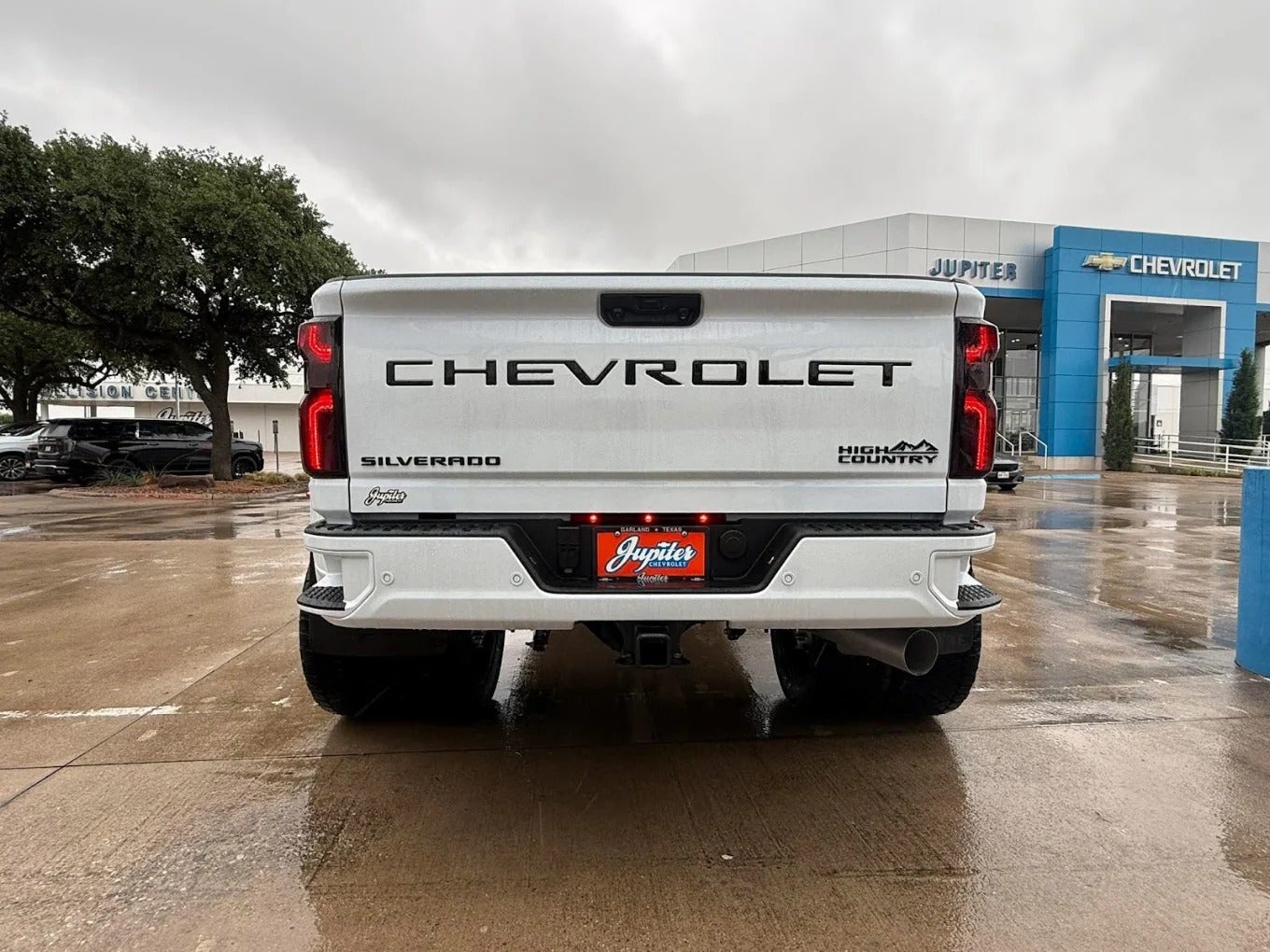
White Chevrolet Silverado High Country parked outside the Jupiter Chevrolet showroom in Garland, TX

How Do You Factory Order a New Chevy at Jupiter Chevrolet?

TL;DR You can factory order a new Chevrolet through a dealer like Jupiter Chevrolet in Garland. At Jupiter, you build the vehicle with the management team before the order gets a number and goes into GM's ordering system. From there, the General Manager or General Sales Manager tracks it through production and transportation. Jupiter is taking 2027 orders now on a first-come, first-served basis. A deposit isn't required on every order. Once GM accepts an order into production, Chevrolet says it can't be changed. Maybe you want a specific color, one particular package or a 2027 Silverado that hasn't reached any lot yet. If the Chevy you want isn't in inventory, a factory order is how you get it. Ordering means waiting, and waiting goes better when you know what's happening. Here's how a factory order works through Jupiter Chevrolet on I-635 in Garland and how to follow it. Can You Factory Order a New Chevy? Yes. Chevrolet sells new vehicles through its dealers, factory orders included. Chevrolet's own support page answers "How do I place an order for a new vehicle?" with one instruction: visit your preferred Chevrolet dealer. You don't order on Chevrolet's website. You choose the model, trim, engine, color and packages with a dealer, who submits the order to GM. Not every configuration can be ordered at every point in the model year, so that's part of the first conversation. How Does a Chevy Factory Order Work, Step by Step? A Chevy factory order through any Chevrolet dealer follows the same basic sequence: Build the vehicle with the dealer. Pick the model, trim, engine, drivetrain, color and packages. Weighing Silverado trims? Our guide to Silverado 1500 trims walks through them. Confirm the exact build. Go through every option line by line before the order is placed. Changes get harder once it moves forward. The order goes to GM. The dealer submits your build. You get an order number. When the order is received and accepted, Chevrolet emails a confirmation with your order details, order number and dealer contact information. Production and shipping. The order moves through scheduling, the build and transportation. Your dealer is your contact along the way. Delivery and paperwork. You finish the paperwork and take delivery. Our post on the car buying process at Jupiter Chevrolet covers that part. Placing an order with a dealer isn't the same as GM accepting it into production. Timing also depends on allocation, which is how GM spreads production for each model across its dealers, and GM's build constraints can limit which combinations are available at a given point in the model year. How Does Jupiter Chevrolet Handle a Factory Order? Start with what's already here. Jupiter orders its new inventory around what Garland-area buyers actually choose, including the trims, packages, colors and drivetrains that sell here, so the build you want may already be on the lot or on its way. If it isn't, here's how an order works at Jupiter: Sit down with the management team. You build the vehicle around what you want with Jupiter's management team. Together you review the model, trim, packages, equipment, colors, factory options, pricing and any deposit requirement. Your order gets a number. Once the build is final, Jupiter assigns an order number to you and the vehicle and enters the order into the General Motors ordering system. GM schedules it. Entering an order doesn't mean GM has accepted the vehicle for production yet. The order moves forward through GM's ordering process and the allocation GM awards Jupiter for an upcoming build cycle. Management tracks it. Jupiter's General Manager or General Sales Manager tracks your order, including its status, weekly order-placement activity, production timing and transportation, and keeps you updated until delivery. Jupiter opens its available allocation to customers across Chevrolet's lineup, from commercial and fleet vehicles to retail models and the Corvette. Some trucks also get dealer-installed accessories on site, like XPEL window tint or a Rhino Linings spray-in bed liner. Jupiter explains what's on the vehicle and what it costs before the deal is finalized, and you can tell us up front what you do or don't want. Do You Need a Deposit to Factory Order at Jupiter? Not always. Jupiter Chevrolet doesn't require a deposit on every customer order. Configurations Jupiter routinely stocks and sells. Jupiter may accept the order on your commitment, without a deposit. Special builds. A deposit may be required for unusual configurations, special colors, limited-production vehicles or other orders built around one customer's specifications. Corvette and other high-demand orders. These and other allocation-sensitive orders may carry additional deposit requirements. Either way, Jupiter goes over the vehicle, options, pricing, any deposit requirement and the ordering process with you before you commit. How Do You Track Your Chevrolet Order? You track it with the order number from Chevrolet's confirmation email. Chevrolet's track your vehicle order page says that email arrives once your order is "received and accepted" by your dealer. Save it. Chevrolet lists three ways to follow an order: Email notifications. Sign up on chevrolet.com for status emails. Have your order number ready. Chat or phone. Reach Chevrolet support by chat on chevrolet.com or at 1-800-222-1020. Your dealer. At Jupiter, the General Manager or General Sales Manager is tracking your order. You can also call 972-464-1093. One rule to know before you order: Chevrolet states that vehicle orders cannot be changed once they have been accepted into production. That's why step 2 matters. What Happens While You Wait? Use the wait to line up the rest of the deal. Trade-in. You can get a value on your trade now. A trade value reflects the vehicle and the market on the day it's appraised, so months of added miles and market changes can move that number. Our post on what your trade is worth in Garland explains what goes into it. Financing. Start on Jupiter's finance page and talk through options before the vehicle arrives. Upfits. If you plan to add a lift, wheels, tint or a bed liner, talk it through before delivery. The Jupiter Custom Shop handles upfits on the same Garland campus. Can You Order a 2027 Chevrolet at Jupiter? Yes. Jupiter Chevrolet is taking orders for 2027 Chevrolet models now. Orders are handled first-come, first-served, and fulfillment depends on GM's ordering availability and the allocation Jupiter receives. If you have a specific 2027 Chevrolet in mind, start the order early. Jupiter will work with you on the trim, packages, colors and options, then track the order as it moves. The two trucks most buyers are asking about: 2027 Silverado 1500. Chevrolet revealed it in June 2026 with next-generation 5.7L and 6.6L V8s alongside the 2.7L TurboMax and Duramax 3.0L Turbo-Diesel. Seven trims: Work Truck, Custom, Silverado, Custom Trail Boss, Trail Boss, High Country and ZR2. Chevrolet says it's "expected to go on sale at the end of this year." 2027 Silverado HD. GM announced an available all-new Duramax 8.3L Turbo-Diesel V8, with an enhanced 6.6L gas V8 as standard. GM says the HD is "expected to arrive at U.S. dealers beginning late 2026." Those are GM's expectations, not delivery dates. Ask Jupiter which 2027 builds can be ordered for your truck. Should You Order or Buy From the Lot? Buying from the lot is often the right call. If a vehicle in stock fits what you need, you drive it home soon and skip the wait. Ordering makes sense when nothing in inventory fits. Your situation Lean toward You need a vehicle soon The lot A stock vehicle has what you need, even in your second-choice color The lot You want a trim, engine and package combination that isn't in stock Ordering You want a 2027 model that hasn't reached dealers Ordering (Jupiter is taking 2027 orders now) Start with Jupiter's new inventory and search by trim and options. Whether you're after a 2027 Silverado, a work truck for your fleet or a Corvette built your way, come see us on I-635 in Garland. Jupiter Chevrolet has been family-owned since 1925. We'll check what's on the lot first. If it isn't there, we'll build it with you. Shop New Inventory at Jupiter Chevrolet in Garland, or call 972-464-1093 to start an order. Frequently Asked Questions How long does it take to factory order a Chevy? There isn't one standard wait. Timing depends on the model, the build, GM's production schedule and the allocation the dealer receives. Once your order is accepted, Chevrolet emails an order number you can use to sign up for status notifications on chevrolet.com. At Jupiter Chevrolet in Garland, the General Manager or General Sales Manager tracks your order and keeps you updated. Can I change my order after it's placed? Not once production starts. Chevrolet states that vehicle orders cannot be changed once they have been accepted into production. Before then, ask your dealer what's still possible. The safest approach is to review every option with Jupiter Chevrolet's management team before the order is entered. How do I track my Chevrolet order? Use the order number in the confirmation email Chevrolet sends after your order is accepted. On chevrolet.com you can sign up for status emails, chat with Chevrolet support or call 1-800-222-1020. Jupiter Chevrolet customers can also call the dealership at 972-464-1093. Do I need a deposit to factory order a Chevy? Not always. Jupiter Chevrolet doesn't require a deposit on every order and may accept orders for configurations it routinely stocks and sells without one. A deposit may be required for special builds, unusual configurations, special colors and limited-production vehicles, and Corvette and other high-demand orders may have additional requirements. Jupiter discusses any deposit with you before the order is final. Who keeps me updated after I order at Jupiter Chevrolet? Jupiter's General Manager or General Sales Manager tracks customer orders, including order status, weekly order-placement activity, production timing and transportation. They keep you informed through ordering, production and delivery. Can I order a 2027 Chevrolet now? Yes. Jupiter Chevrolet is taking orders for 2027 Chevrolet models on a first-come, first-served basis, with fulfillment depending on GM's ordering availability and Jupiter's allocation. Chevrolet says the 2027 Silverado 1500 is expected to go on sale at the end of 2026, and GM says the 2027 Silverado HD is expected at U.S. dealers beginning late 2026. Call Jupiter Chevrolet at 972-464-1093 to start an order. Can I factory order a Chevy Silverado from a dealer near Dallas? Yes. Chevrolet factory orders go through Chevrolet dealers, including Jupiter Chevrolet on I-635 in Garland, just east of Dallas. Check current Silverado inventory first, since the truck you want may already be on the lot. If it isn't, Jupiter's management team can build the exact configuration with you and enter the order into GM's system. Ordering, availability, production timing and model-year details are set by Chevrolet and GM and can change. Specifications are from Chevrolet as of October 2026. Jupiter Chevrolet will confirm what can be ordered for your specific vehicle. About the Author Eric Fussell is the General Manager of Jupiter Chevrolet in Garland, Texas. He works with Jupiter's sales, service, parts and collision teams to help customers understand their vehicles, their ownership options and the programs that come with buying and owning a Chevrolet in North Texas. Methodology This guide uses Chevrolet's vehicle-ordering and order-tracking information and General Motors announcements on the 2027 Silverado 1500 and Silverado HD, current as of October 2026. Manufacturer timing is an expectation, not a delivery date for any one vehicle. Jupiter's ordering, deposit and order-tracking details come from General Manager Eric Fussell (October 2026). Sources & Further Reading How to Track Your Chevrolet Vehicle Order, Chevrolet — order number, email notifications, contact options, no changes once in production. Chevrolet Introduces the Next-Generation 2027 Silverado 1500, Chevrolet Pressroom (June 16, 2026) — 5.7L and 6.6L V8s, engine lineup, seven trims, on sale end of 2026. GM Raises the Bar for Heavy-Duty Power, Capability and Control, GM News (September 24, 2026) — Duramax 8.3L, 6.6L gas V8, HD arrival late 2026. New Inventory, Jupiter Chevrolet — vehicles in stock in Garland. Finance, Jupiter Chevrolet — financing. Published: November 6, 2026 | Last updated: November 6, 2026